Skip to content

Gooshot Gus

Report a problem with this game

Gooshot Gus

Published:
October 3, 2026

Share this game

Facebook WhatsApp

Controls

Use the keyboard
Use the mouse
Tap the screen
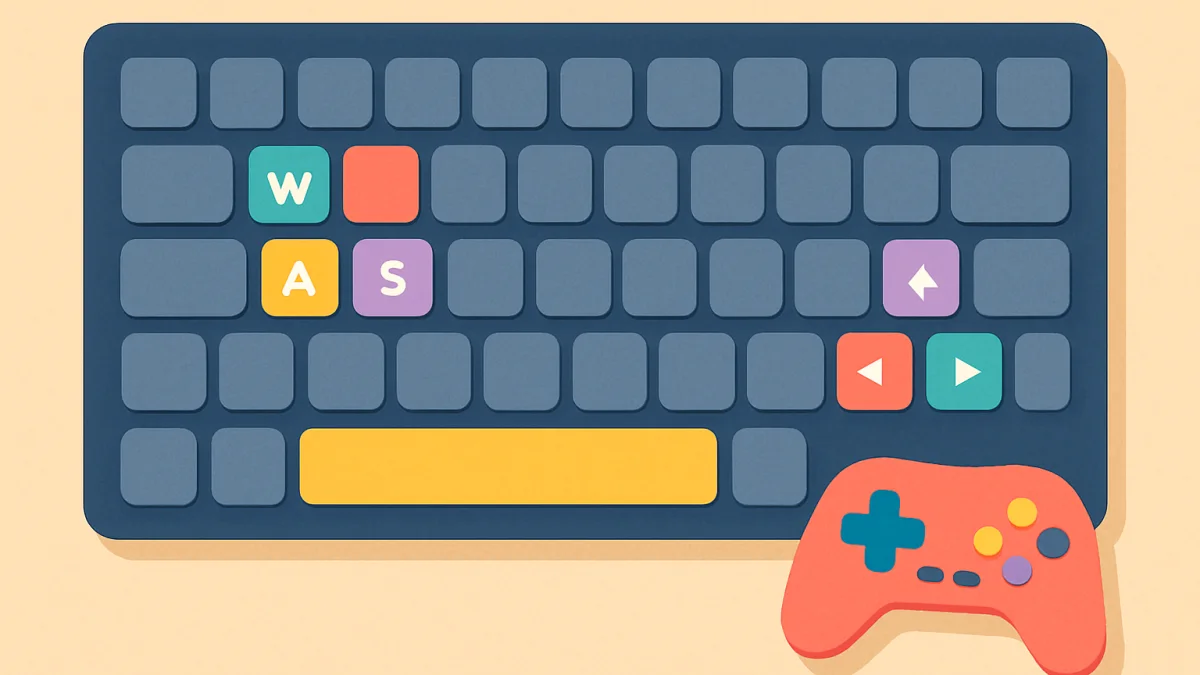
Arrow keys to move
W A S D to move
Space to jump or act
Gamepad supported

About the game

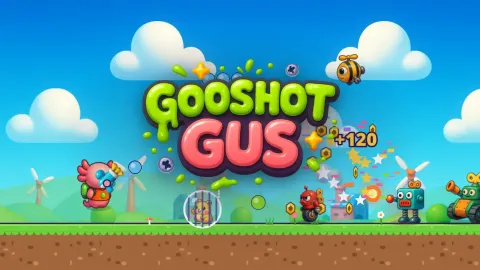
Gooshot Gus is a cartoon run-and-gun platform shooter for kids and teens. Gus, a brave little axolotl with a goo blaster, runs, jumps and slides through three colourful worlds – the sunny Pebble Hills, the busy Gearworks factory and the floaty Moon Base – to stop an army of silly wind-up robots. Robots never get hurt: they pop into confetti, sparks and stars. Aim in 8 directions, bonk robots by jumping on their heads and slide under shots and through low tunnels.

Free the critters trapped in bubble cages, grab weapon bubbles (Triple Goo, Confetti Cannon, Bouncy Bombs and Rainbow Beam), break crates for bolts and reach the finish flag. Each world ends with a funny boss fight against the Big Wind-Up, the Claw Crane and King Kogg, whose attacks are always announced. Earn up to 3 stars in each of the 12 levels, use checkpoints, and spend your bolts on upgrades: extra hearts, stronger goo, rapid fire, bigger tanks, a bolt magnet and a spare balloon.

How to play

  • Move with A / D or the arrow keys, jump with W, Space or Z (hold for a higher jump).
  • Aim with the mouse and click to shoot, or hold X / J and aim in 8 directions with the arrow keys. A gamepad works too.
  • Slide with Shift or C (or S + jump) to duck under shots and get through low tunnels.
  • On phones and tablets use the stick on the left and the goo, jump and slide buttons; aim assist helps you hit robots.
  • Shoot the bubble cages to free the critters and grab weapon bubbles. Jump on robots to bonk them.
  • Stars: finish the level, free every critter and lose no balloon. Spend bolts on upgrades between levels.

Tips and tricks

  • Robots flash before they attack, so watch for the flash and jump or slide out of the way instead of trading hits.
  • Jumping on a robot’s head bonks it, a quick way to clear a robot without stopping to aim.
  • Shield bots block your goo from the front. Hit them when they lower the lid, or shoot them from above.
  • Shoot every bubble cage you pass: freeing all the critters is one of the three stars, so free them all before you touch the finish flag.
  • Weapon bubbles are temporary. Use Triple Goo, Confetti Cannon, Bouncy Bombs or Rainbow Beam on groups of robots and bosses rather than on a single bot.
  • Spend your first bolts on Extra Heart and Spare Balloon. More hearts and tries make the third star (no balloon lost) much easier.
  • Bosses always announce their attacks. Learn the pattern from a safe spot, then strike between attacks.

Features

  • 12 levels in 3 worlds: Pebble Hills, Gearworks and Moon Base
  • 3 boss fights: Big Wind-Up, Claw Crane and King Kogg
  • 5 blasters: Goo Blaster, Triple Goo, Confetti Cannon, Bouncy Bombs and Rainbow Beam
  • Aim in 8 directions, jump, slide and bonk robots on the head
  • Up to 3 stars per level: finish, free every critter, lose no balloon
  • 6 upgrades to buy with bolts, from Extra Heart to Bolt Magnet
  • Checkpoints, springs, conveyor belts and low gravity on the Moon
  • Keyboard, mouse, gamepad and touch controls with aim assist

Frequently asked questions

Is Gooshot Gus free?

Yes. Gooshot Gus is a free run-and-gun platform shooter that you play online in your browser, with no download and no account.

Can I play it on a phone or tablet?

Yes. It plays in landscape, so turn your device sideways. You get a stick on the left and goo, jump and slide buttons, and aim assist (which you can switch off in Settings) helps you hit robots.

Is it violent?

No. The robots are silly wind-up toys that pop into confetti, sparks and stars, and nobody gets hurt. It is a cartoon shooter made for kids and teens.

How do I get 3 stars?

Each level has three stars: one for reaching the finish flag, one for freeing every critter in a bubble cage, and one for finishing without losing a balloon.

Is my progress saved?

Yes. Unlocked levels, stars, best scores, bolts and upgrades are saved in the browser on the device you play on.

Can I use a gamepad?

Yes. Besides keyboard and mouse, the game supports a gamepad, so you can play from the sofa on a computer.

Guides for this game

  • How we make a game: from a sketch to a release on :site

    A new game on the site is a few weeks of work by a small team. Here is the whole path, from the first sketch to the eight languages, the testing on old phones and the morning it goes live.

    4 min readRead the guide

Comments

Log in to comment

No comments yet. Be the first!