

Keyboard and gamepad controls: the cheat sheet for all our games
Updated October 23, 20264 min read
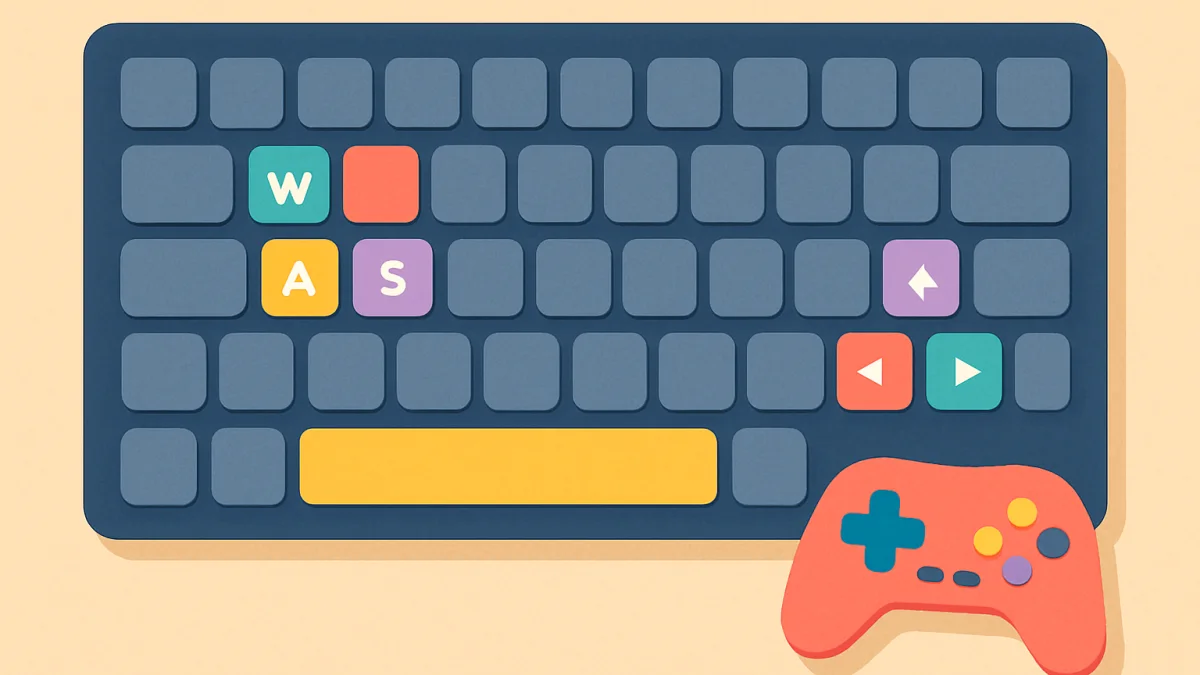
Arrows or WASD, Space to jump, R to restart, P or Esc to pause. The same few keys run almost every game on the site, and this page lists them, plus the gamepad buttons and what to do when a key does not work.
Every game on OGH Games shows its controls on its page and in its own help screen. But the controls are deliberately the same across games, so once you know them you know them everywhere. This page is the list, with the exceptions that matter.
Movement
Movement is the arrow keys or W, A, S and D, whichever you prefer; both always work. In platform games like Wicky Quest, left and right move, up or Space jumps, down ducks. In racing games like Vroomble, the car accelerates by itself, left and right steer and down brakes. In 3D games like Sploshkins and Cubbycraft, W A S D move and the mouse looks around.
Actions
- Space: jump, or the main action (drift in racers, draw in solitaire, hard drop in Wobblox).
- Shift: run or dash.
- Left mouse button: shoot, break a block, or pick a card.
- Right mouse button: place a block, pet a creature, secondary action.
- E: open the bag or inventory. Q: quest book or secondary menu.
- 1 to 9 or the mouse wheel: choose an item or weapon.
- Tab: scores or status, held down.
Pause, restart, undo
- P or Esc: pause. Esc also releases the mouse in 3D games and leaves full screen.
- R: restart the level or put you back on the track.
- Z or Ctrl+Z: undo, in puzzle and card games. Ctrl+Y redoes.
- H: hint. N: notes, in sudoku.
- M: mute, in most games.
Pointer lock in 3D games
First-person games need the mouse to turn the camera without the pointer leaving the window, which browsers call pointer lock. Click on the game once to capture the pointer; the browser shows a short message about pressing Esc. Esc frees the pointer and pauses the game. If the game seems to ignore the mouse, the pointer is not captured: click on the game again. Pointer lock does not work in some embedded views, which is why 3D games prefer the full page.
Gamepad
Any gamepad the browser recognises works: Xbox and PlayStation controllers over USB or Bluetooth, most generic pads. Press a button on the pad once after the game has loaded and it is picked up. The layout follows the usual convention: left stick or d-pad to move, right stick to look, A (or Cross) to jump, B (or Circle) to dash or cancel, right trigger to shoot or drift, Start to pause. On a phone, a Bluetooth gamepad works the same way in Chrome and Safari.
Touch
On touch screens every game draws its own buttons, usually movement on the left and actions on the right, with the pause button in a corner. Runners use swipes, puzzle games use taps and drags, and 3D games use a virtual stick plus a look drag. The buttons can be hidden when a gamepad is connected.
When a key does not work
- The game is not focused. Click on it once. Keys go to whichever part of the page was clicked last, and after pressing a button in the toolbar the game may not have focus.
- Too many keys at once. Many laptop keyboards cannot report more than three or four keys pressed together, a limit called ghosting. Two-player games on one laptop keyboard hit it; an external keyboard or a gamepad fixes it.
- A browser shortcut took the key. Ctrl and Alt combinations belong to the browser. Games never need them, so if a game asks for a combination, you are pressing the wrong keys.
- Space scrolls the page. This happens when the game does not have focus, see point one. In full screen it cannot happen.
- Keyboard layout. Games use key positions, not letters, so W A S D works as Z Q S D on a French keyboard. If it does not, the game has an option to switch to arrows.
Accessibility
Where a game needs quick reactions, there is usually an Easy mode that slows things down, and the puzzle games have no timers unless you want stars. Games with colours as information, like our bubble shooter and sudoku, have colour-blind options with symbols or alternative palettes. If a game is unplayable for you because of a control it requires, tell us through the contact form; several of our games gained options this way.