

No download, no install: how browser games work and how we keep them safe
Updated October 23, 20264 min read
A game that starts in two seconds and never asks you to install anything sounds too good. Here is what HTML5 games actually are, what runs on your device, what we can and cannot see, and why the sandbox matters.
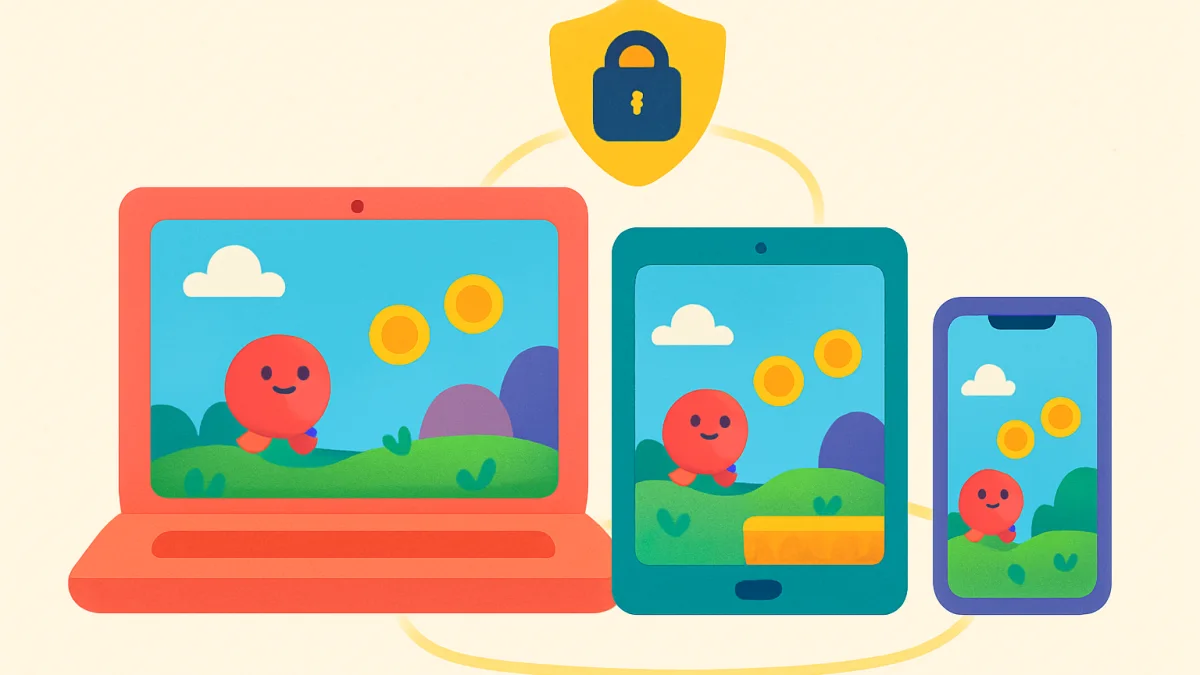
Every game on OGH Games opens in the browser, with nothing to download and no account. People sometimes ask whether that is safe, and whether "no download" is really true. Both are fair questions, and the answers are more interesting than "yes".
What an HTML5 game is
An HTML5 game is a web page that happens to be a game. It is made of the same three things as any website: HTML for the structure, CSS for the look and JavaScript for the behaviour. The browser draws the game on a canvas, either in 2D or, for our 3D games like Vroomble and Sploshkins, through WebGL, which talks to the graphics chip in your device the way a native game does.
So "no download" is half true. The game's files do travel to your device, between 2 and 15 MB, the same as a few photos. What does not happen is an installation: nothing is written outside the browser, nothing starts with your computer, nothing asks for permissions, and closing the tab removes the game from memory. The browser may keep the files in its cache so the next start is faster, and clearing the cache removes them.
Where your progress goes
Games save progress in the browser's storage, a small private area that each website gets for itself. Your Vroomble stars live in ogh.lol's area and cannot be read by any other site, and no other site's data can be read by us. The storage is on your device, not on our servers, which is why switching browsers starts a game from scratch and why we cannot restore progress for you. It is also why we can honestly say that we do not have your saves.
The sandbox
Each game runs inside a frame on the page with a browser feature called a sandbox. The sandbox is a list of things the frame is allowed to do, and everything not on the list is forbidden. Our games may draw, play sound, read the keyboard and the touch screen, use the gamepad and go full screen. They may not open other windows, navigate the page you are on, read your clipboard, access your camera, microphone or location, or run anything outside their frame. The browser enforces this, not us; a game cannot opt out of its own sandbox.
On top of the sandbox, the page sets a content security policy that tells the browser which addresses the game may load files from. A game that tried to fetch something from an unknown server would simply be blocked.
What a game can see
A game sees what you do inside it: taps, keys, how long you played. Our own games send a few numbers back to us, such as that a session started and how long it lasted, so we know which games are played and whether they crash. They do not see your name, your email, your other tabs or anything about your device beyond the screen size and whether it has touch. There are no accounts inside the games, so there is nothing to log in to and nothing to leak.
Our own games, our own servers
The games on this site are made by us, not imported from other studios. They are hosted on our own servers and loaded from our own address, which means we know exactly what code runs in your browser, because we wrote it. When we fix a bug, the fix reaches every player at their next visit; there is nothing to update.
Why no app store is needed
The same game runs on a phone, a tablet, a laptop and a desktop because the browser is the same on all of them. A 3D game like Cubbycraft adapts its graphics to the device, from a phone to a gaming PC. We do publish a small Android app for people who prefer an icon on their home screen, but it opens exactly the same games.
Advertising and cookies
The site is funded by advertising around the games. Ads are loaded by the page, never by the game, and only after the cookie choice you make in the banner; the Cookie settings link in the footer changes it at any time. The games themselves set no cookies.
A short checklist for any games site
- A game should never ask you to install a plugin, an extension or a "player".
- A game should never ask for your password to another site.
- Full screen should always exit with the Esc key.
- The site should say who runs it. Ours does, on the about page.
If you ever see something on our site that fails one of these, use the contact form. We would rather hear about it twice than not at all.