


Cubbycraft: your first day on the island, from wooden pickaxe to Starstone
5 min read
New to Cubbycraft? Here is what to do in your first hour: the tools you need, where coal and copper hide, how building plans work and how to find the hidden Glimmer Grotto.
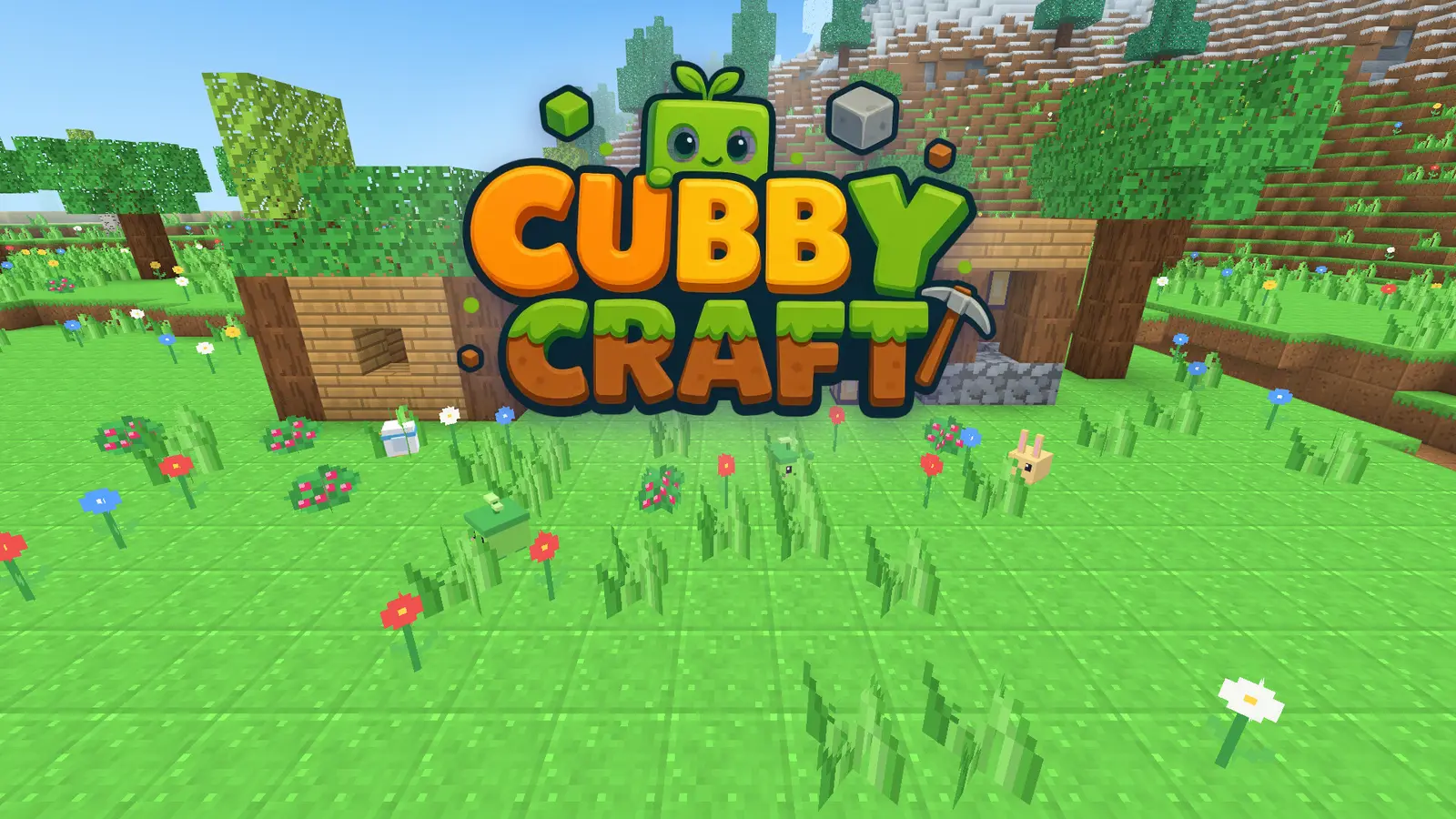
Cubbycraft drops you on a small island made of cubes with no instructions other than a quest book. That is on purpose: half the fun is working things out. But if you want a head start, this is the order of things that makes the first day smooth, from the first logs to the glowing Starstone at the bottom of the island.
Minute one: wood
Everything starts with a tree. Hold the left mouse button (or the Break button on a phone) on a trunk until the log pops out, and collect four or five. Open your bag with E: logs become planks, planks become sticks, and planks plus sticks become the Tinker Table. Place the table on the ground and stand next to it; crafting tools only works when you are close.
Your first tool is the wooden pickaxe. Then the axe, which makes wood much faster, and the shovel for earth, sand and snow. The right tool makes digging three times faster, and ores need a good enough pickaxe to drop anything at all, so always carry all three.
Where the ores are
Coal is the stone with black dots, usually near cave entrances and on cliff faces. You need it early: a stick plus coal makes a torch, and torches are what make caves safe to explore. Copper is the stone with orange flecks a little deeper, and it unlocks the second tier of tools. Gold hides deeper still, and Starstone, the glowing blue ore, only exists in the Glimmer Grotto.
The island is generated from a seed, so every world is different, but the layering is the same: coal near the surface, copper below, gold deep, Starstone in the grotto. If you cannot find copper, dig down a few blocks inside a cave rather than walking further.
The Kiln: glass and bricks
The Kiln is the second workstation, built from stone. It melts sand into glass and clay into bricks, and both are worth having before you build a house: glass for windows, bricks for walls that look finished. Fuel it with coal or wood.
Building plans
Quest mode gives you building plans: a cabin, a bridge, the Lookout Tower and more. Place a plan and it appears as see-through blocks. Aim at a ghost block and place the matching real block, and the counter on the tracker tells you how many are left. You do not have to follow the plan exactly: add a door where you like, change a wall to glass. The quest completes when the counted blocks are in.
In Creative mode you can press Build it for me on any plan and the structure builds itself, which is perfect when you want to decorate rather than mine.
The quest book
Press Q to open the quest book. There are 24 quests in three chapters:
- Settling in: tools, the Tinker Table, the first shelter and torches.
- Exploring: copper, the Kiln, a bridge over the lake and the Lookout Tower.
- The grotto: gold, the stone gate and the Glimmer Grotto with its Starstone.
Each quest gives stars and a reward, often the materials for the next one. If you are lost, the tracker in the corner points you to the current goal.
Finding the Glimmer Grotto
Look for a stone gate with two lanterns, usually set into a hillside or at the back of a cave. It leads down a stair to the grotto, a large cavern lit by Starstone. Bring at least ten torches and a copper pickaxe, because Starstone needs it. The grotto is also where the shy Pebblins live: they pretend to be rocks in the dark, and petting one (right-click, or the Pet button) gives you a present.
Creatures
Four friendly creatures hop around the island. Mosslings love berries: hold berries in your hand and they follow you anywhere, which is handy if you want them near your house. Nobody on the island is dangerous, and nothing attacks you at night, so the day and night cycle is about light, not fear. Place torches and lanterns around your home and enjoy the fireflies.
Trees grow back
Leaves drop saplings now and then. Plant a sapling on turf and a new tree grows after about a minute, so you never run out of wood if you replant what you cut.
Saving and worlds
Your world is saved by itself in the browser, and you have three world slots, each with its own seed. Use one for quests, one for a creative build and one to experiment. Clearing the browser data deletes the worlds, so if you are proud of a build, leave that browser alone.
Quick checklist for the first day
- Five logs, then the Tinker Table and a wooden pickaxe.
- Axe and shovel next, not more pickaxes.
- Coal before the first cave, torches before the second.
- Copper pickaxe before the grotto.
- Replant saplings.
Cubbycraft plays in the browser on computers, tablets and phones, with mouse and keyboard, touch or a gamepad, and there is nothing to download. Have fun on your island.